

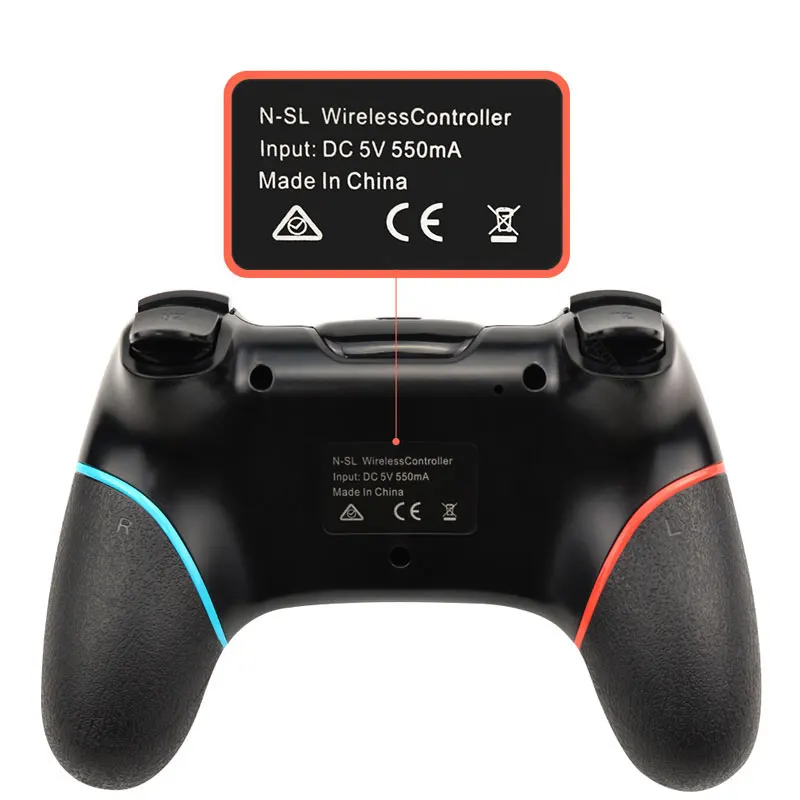
Wireless Bluetooth Gamepad For Nintendo Switch Pro NS-Switch Pro Game joystick Controller For Switch Console with 6-Axis Handle
Wireless Bluetooth Gamepad For Nintendo Switch Pro NS-Switch Pro Game joystick Controller For Switch Console with 6-Axis Handle
Description

Connection to Nintend Switch:
1. Power on Switch Console first.
2. In the menu page of Switch Console, press "Controllers"→"Change Grip/order" →enter the Console pair interface "Press L + R on the controller".
3. Long press "Y + HOME" Buttons up to 5 seconds, and 4 buttons of HOME will flash quickly and circularly. When one of four LED light frash long time,it means that the controller is paired successfully with Switch Console.




Care
To maintain the beauty and integrity of your purchase, we recommend treating it with care. Simple maintenance practices, such as gentle washing and proper storage, can effectively preserve the longevity of your favorites. We encourage you to refer to the care instructions included with each item, designed to help you keep your purchase in top condition.
Design
Our dedication to excellence extends beyond materials; it encompasses the artistry and craftsmanship illustrated in every piece we create.
