

New Popular Study Timer - Cooking Countdown, Digital Alarm for Self - discipline
New Popular Study Timer - Cooking Countdown, Digital Alarm for Self - discipline
Description
1. Product Basics
- Weight (including packaging): 81.3g
- Packaging: Thin - corrugated color box
- Material: ABS
2. Product Parameters
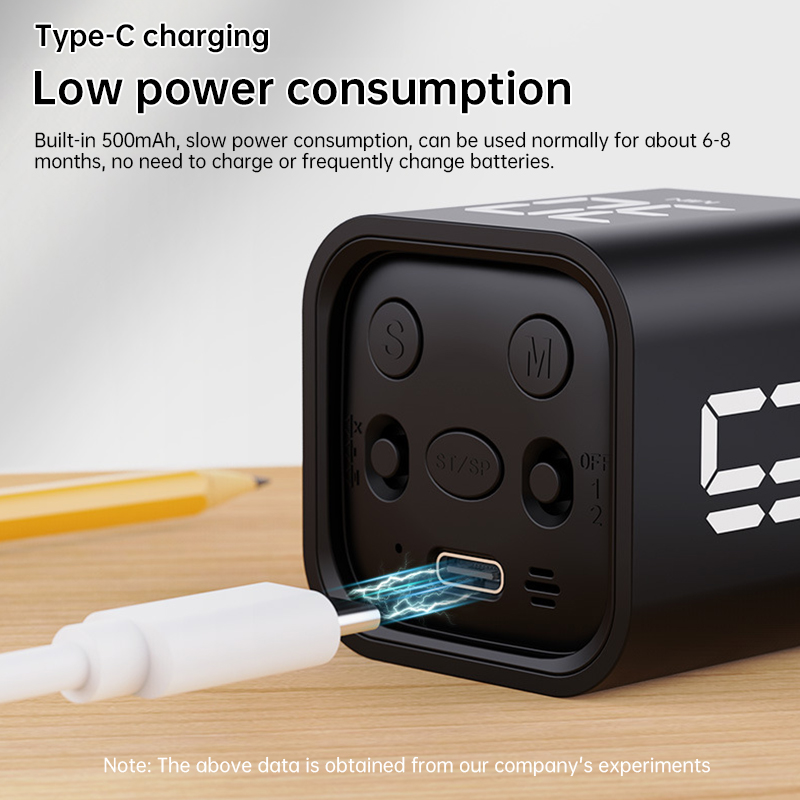
- Battery capacity: 500mAh
- Working temperature: 0°C - 50°C
- Standby power consumption:<20uA
- Hibernation power consumption: <150uA
- Working current: 11mA
- Charging current: 500mA
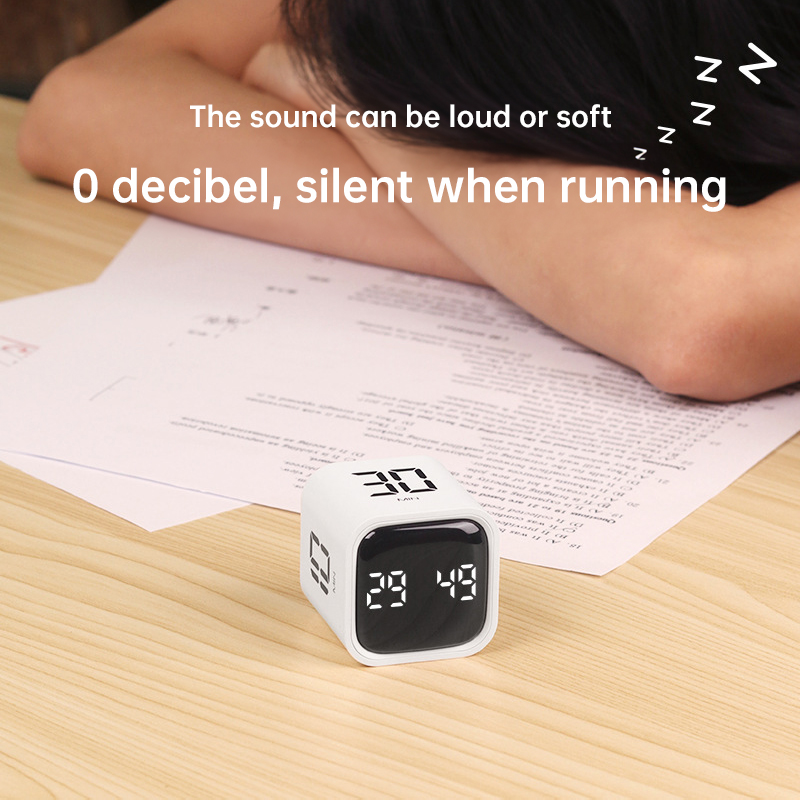
- Volume settings: Mute/Vibration, Loud (90 - 100DB), Quiet (70 - 80DB)
3. Operation Instructions
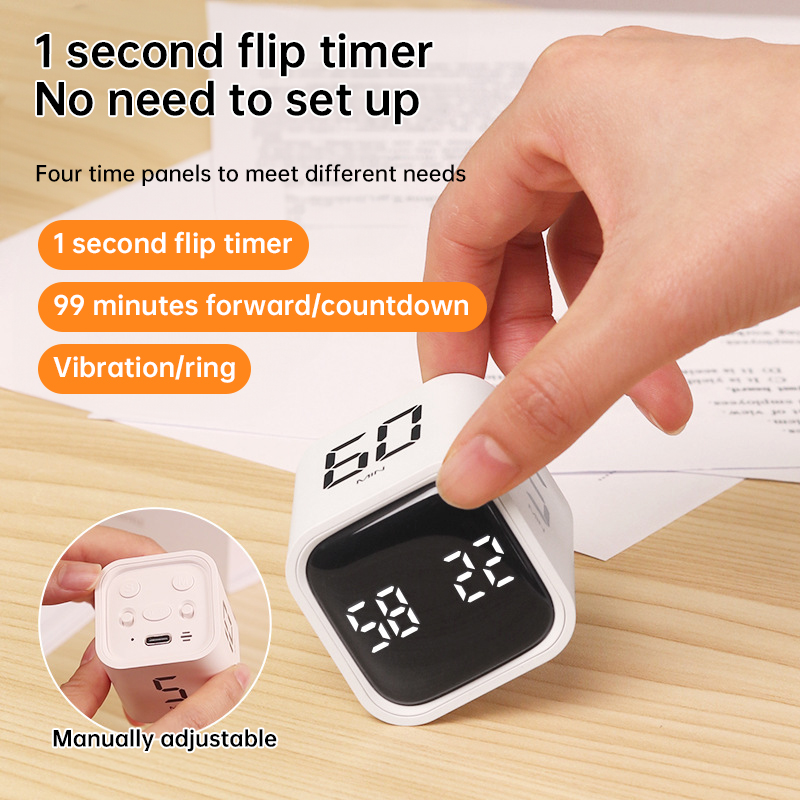
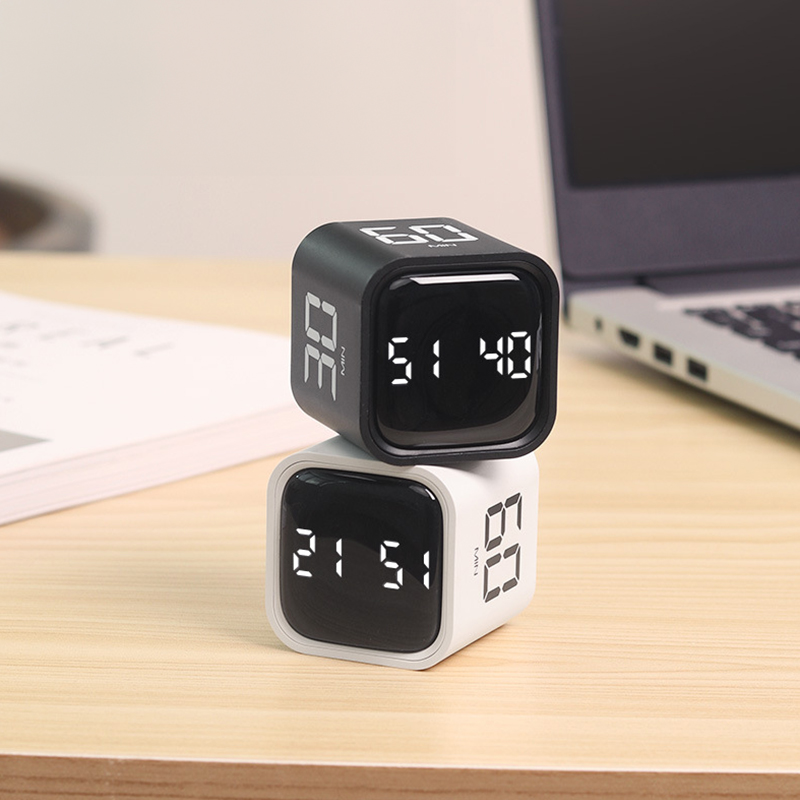
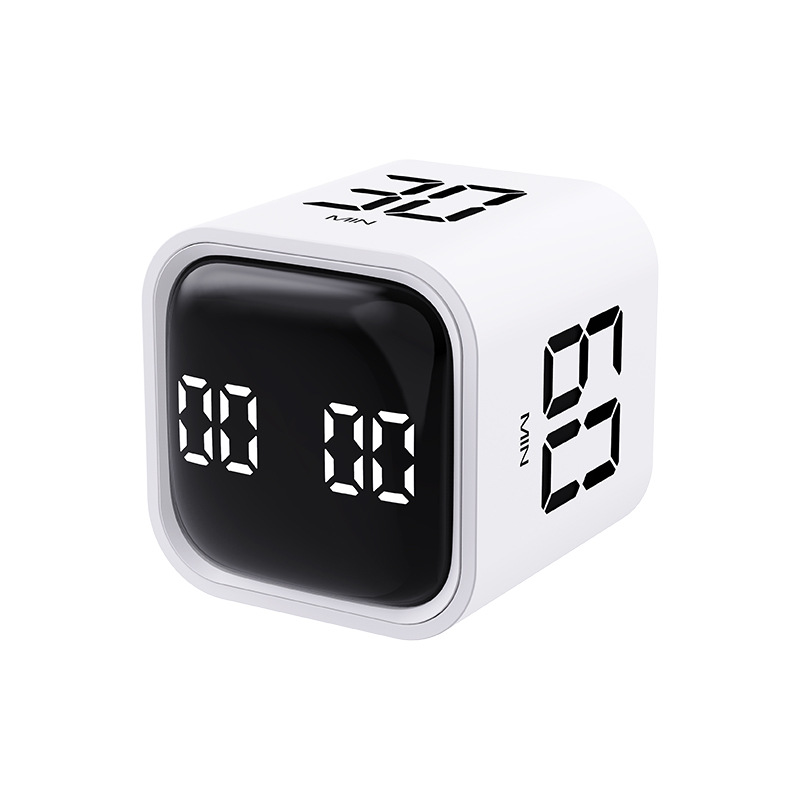
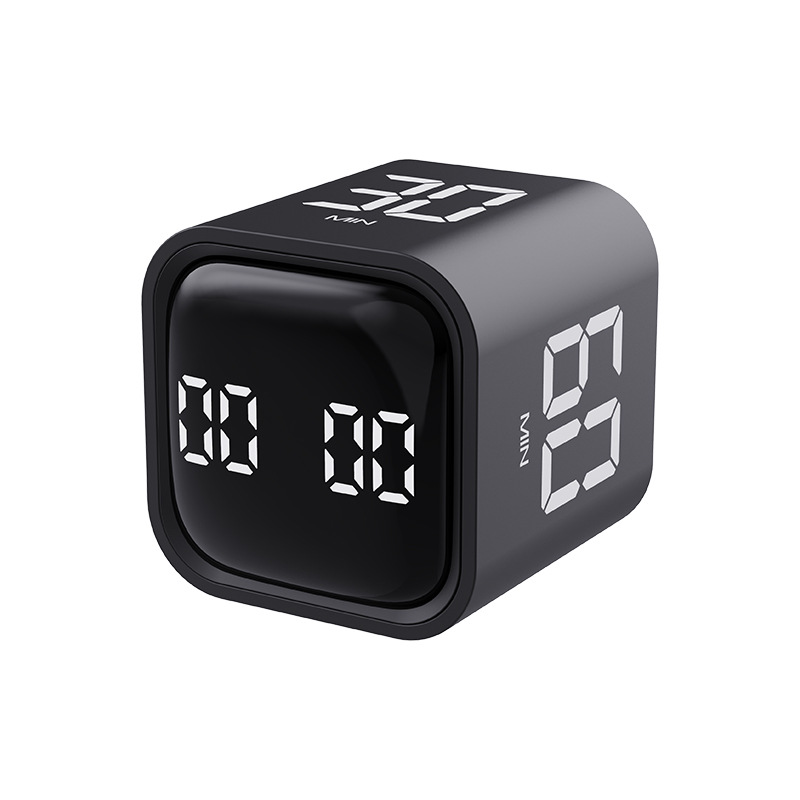
- Gravity Mode (Mode 1): Flip the switch to this mode. Flip the device with 5 - 10 - 30 - 60 minutes side up to start countdown. Flip the screen up to pause, and flip the screen down to reset the timer.
- Manual Mode (Mode 2):
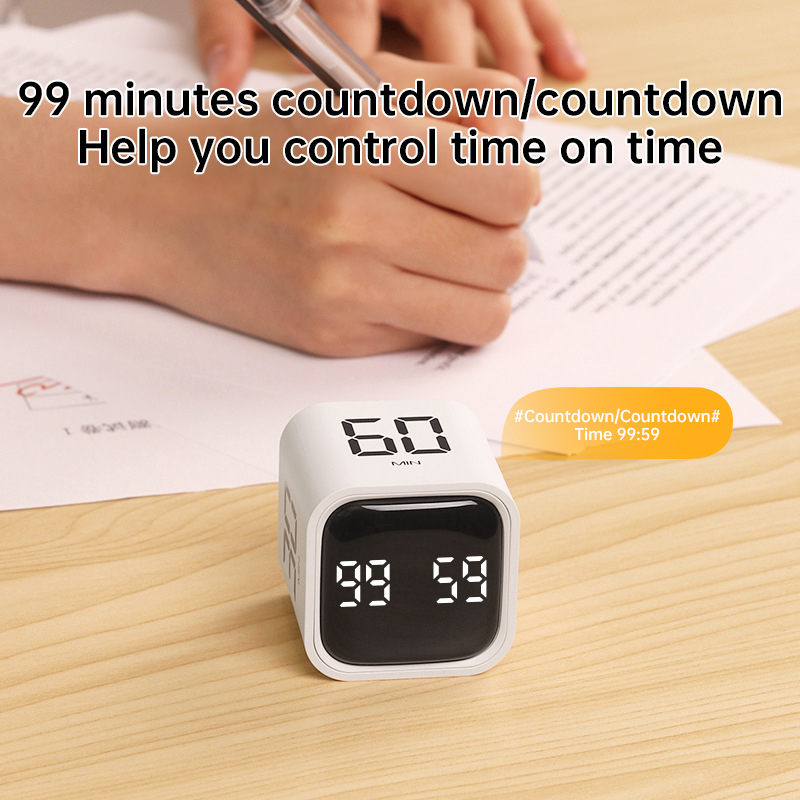
- Positive Counting:
1. When the display shows 00:00, short - press the [SP/ST] key to start positive counting.
2. During counting, short - press the [SP/ST] key to pause/resume.
3. In pause state, long - press the [ST/SP] key to clear.
- Countdown Setting:
1. Short - press the [M/S] key to incrementally adjust the countdown time. Long - press it for rapid adjustment. After setting, short - press the [SP/ST] key to start.
2. During counting, short - press the [SP/ST] key to pause/resume.
3. In pause state, long - press the [ST/SP] key to clear.
4. When the countdown reaches 00:00, there will be a one - minute alarm. The alarm cycles between “beeping with LED on” and “sound off with LED off” in 1 - second intervals. In mute mode, there is vibration alert.
5. Memory mode: After countdown ends, short - press the [SP/ST] key again to show the set time. Long - press the [ST/SP] key to clear. Short - press to cycle.
4. Precautions
- The product will auto - hibernate if the user forgets to turn it off or there is no operation for 5 minutes.
- The alarm duration is 1 minute after positive/countdown ends.
- After hibernation, in gravity mode, it can be used by flipping; in manual mode, it can be adjusted by pressing.
- In mute mode, there is vibration feedback at the end of timing or for any operation. In volume mode, there is a “beep” feedback for operations.
- When the battery level is below 10%, the screen flashes to remind charging. The charging indicator is red during charging and turns green when fully charged.


Care
To maintain the beauty and integrity of your purchase, we recommend treating it with care. Simple maintenance practices, such as gentle washing and proper storage, can effectively preserve the longevity of your favorites. We encourage you to refer to the care instructions included with each item, designed to help you keep your purchase in top condition.
Design
Our dedication to excellence extends beyond materials; it encompasses the artistry and craftsmanship illustrated in every piece we create.
